
Sidr Tax Pricing and Subscription Plan Overview
Overview
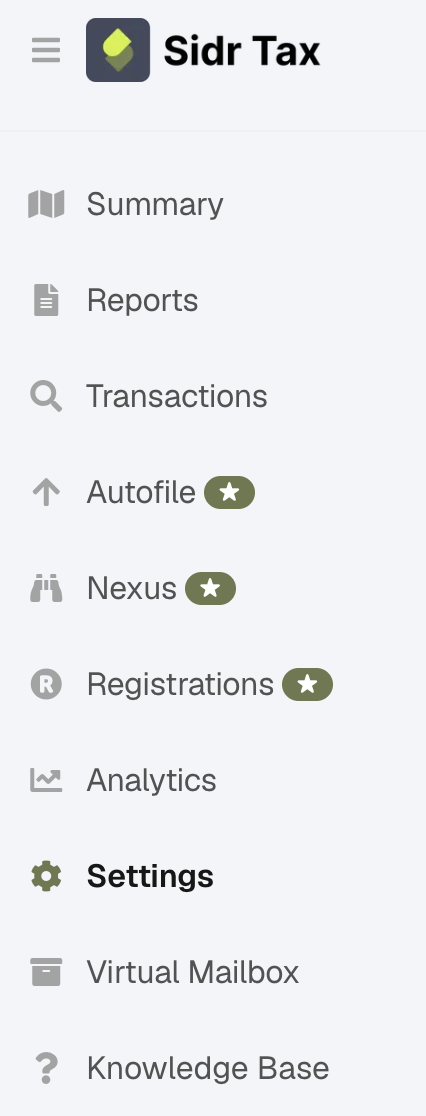
Upon the sign up of your Sidr Tax account you will eventually be routed to the plan selection page in Sidr Tax Settings , This page is always accessible on the left hand panel of your Sidr Tax account.
Before you begin
- You must have an active Sidr Tax account.
- You should be familiar with your Shopify admin panel.
- You need to understand your business requirements to select the appropriate plan.
Understanding Billing with Sidr Tax
Sidr Tax offers 3 different plan levels.
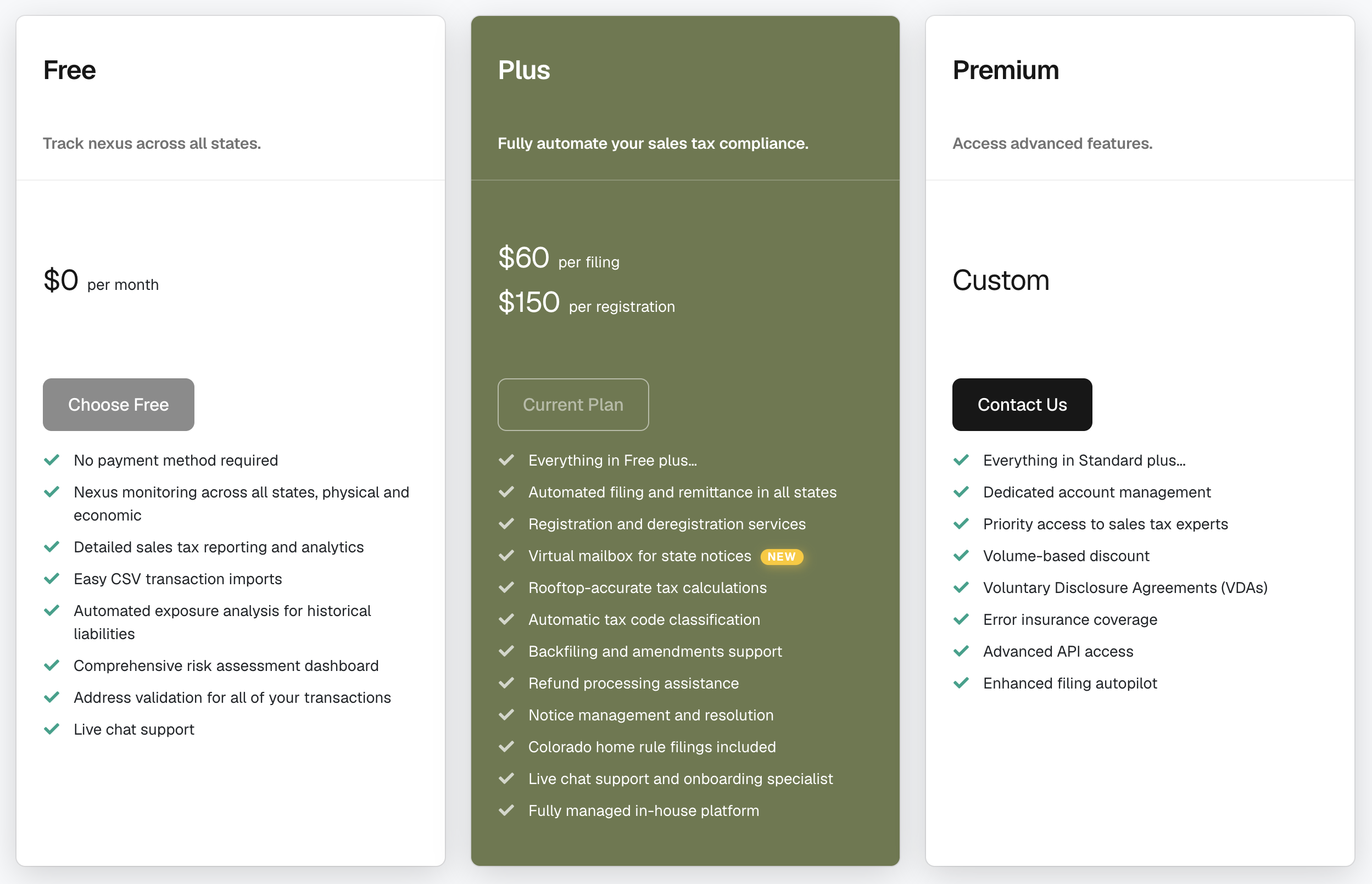
In order to properly select your plan you will want a basic understanding of what your requirements are.
For example, if you do not yet have nexus in any states that require sales tax filing and remittance, you would want to choose the Free plan which allows you to continuously monitor your nexus status in all supported jurisdictions.
If you do have nexus in at least one state and are required to file, you would want to choose the Plus plan.
Please reach out in our Live Chat if you are unsure and we can help guide you!
Payment Method
If you are on either the Standard or Premium plan level, Sidr Tax service fees are invoiced and charged to your default payment method managed in Sidr Tax Settings , under the Sidr Tax Billing Payment Account section.
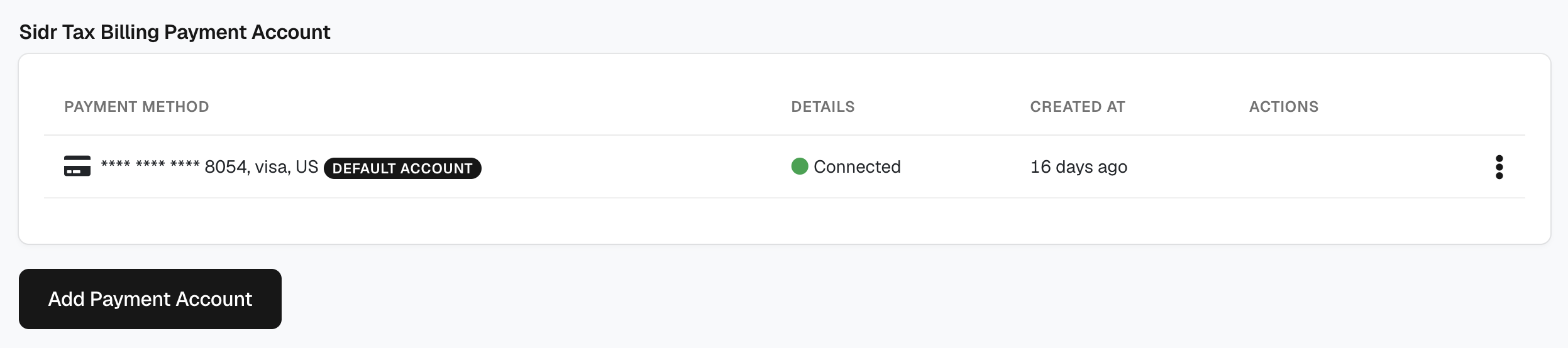
Because Sidr Tax service fees are charged via Stripe, your bank may need to verify the charge origin. If your bank asks for the company ID associated with Stripe ACH debits, provide the following:
- 1800948598 - Stripe Payments Company
- 4270465600 - Stripe Payments Company
For more details, see Stripe's support article on ACH debit company IDs.
If you are seeking info about payment method for registration and tax remittance, please review this article .
After subscription
After selecting your subscription plan:
- Your plan will be activated immediately.
- After they are incurred, service fees will be invoiced to your default payment method.
- You can view your subscription details at any time in the Settings -> Subscription and Billing section of your Sidr Tax account.
- Changes to your plan (upgrades or downgrades) will take effect on your next billing cycle.
Troubleshooting
I have multiple stores on Shopify, which of my Shopify stores is used for Billing?
The store with the plan name is the store that will be used for billing. When reviewing your reports the account will be called " * * Standard ", and you can verify the store by taking the series of alphanumerals and numbers and plug it into "_ * * * *.myshopify.com" to see the store it is linked to.
Best practices
- Review your business requirements before selecting a plan to ensure it meets your needs.
- Monitor your billing through your Settings -> Subscription and Billing portal to stay aware of charges.
- Use the Live Chat if you're unsure which plan is right for your business.
- Keep your payment method updated to avoid service interruptions.
Updated on: 09/08/2026
Thank you!